
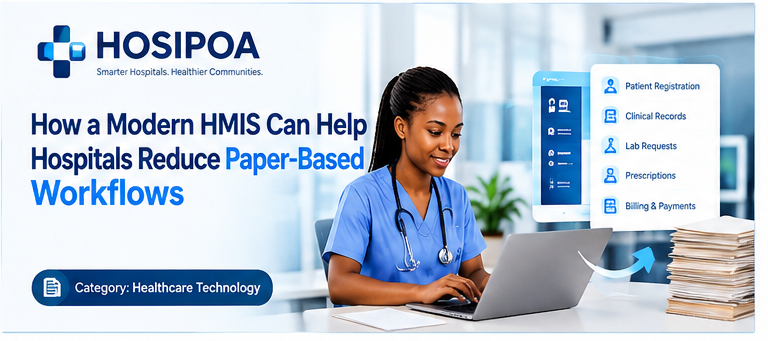
Moving from paper records to a digital HMIS is a major operational change.
It affects registration, clinical documentation, pharmacy, laboratory, billing, administration and reporting.
The transition is therefore best approached as a process transformation project, rather than simply a software installation.
1. Map Your Current Processes
Before selecting software, document how information currently moves.
For example:
Registration → File creation → Consultation → Lab → Pharmacy → Billing → Filing
Then identify:
- Where paper is created
- Where information is copied
- Where delays occur
- Where records are lost
- Where duplicate data is entered
This gives the hospital a baseline.
2. Start With High-Volume Workflows
You don't necessarily need to digitize everything on the first day.
Start with processes that generate significant administrative work.
These might include:
- Registration
- Patient search
- Billing
- Pharmacy
- Laboratory requests
- Clinical documentation
Then expand into other departments.
3. Clean Existing Data
If existing patient information will be migrated, data quality needs to be addressed first.
Look for:
- Duplicate patients
- Missing information
- Incorrect names
- Inconsistent identifiers
- Incomplete records
Digital systems make information easier to search, but poor-quality data can simply make bad information easier to find.
4. Establish User Roles
Define who needs access to what.
For example:
Reception → Registration
Nurse → Nursing workflows
Doctor → Clinical workflows
Pharmacy → Pharmacy
Finance → Billing
Administrator → Configuration and management
This makes onboarding easier and supports controlled access.
5. Train Staff Before Go-Live
Training should happen before staff are expected to use the system independently.
Consider:
- Demonstrations
- Practical exercises
- Department-specific training
- Quick reference guides
- Super-users
- Post-launch support
6. Run a Controlled Transition
Depending on the facility, implementation can happen in stages.
For example:
Week 1: Registration
Week 2: Clinical
Week 3: Pharmacy
Week 4: Billing
Week 5: Reports and optimization
The exact schedule depends on facility size and readiness.
7. Keep Reviewing the Workflow
Implementation should not end when the system goes live.
Monitor:
- User adoption
- Data quality
- Waiting times
- Common errors
- Support requests
- System performance
- Reporting requirements
Digital Transformation Is a Journey
The objective is not merely to remove filing cabinets.
The objective is to create a more connected hospital where information can move securely between authorized users.
Kenya's Digital Health Agency describes its role as developing integrated health information systems, supporting health-data portability and enabling health information exchange.
A successful transition from paper to digital begins with understanding the hospital's workflows and then using technology to improve them.