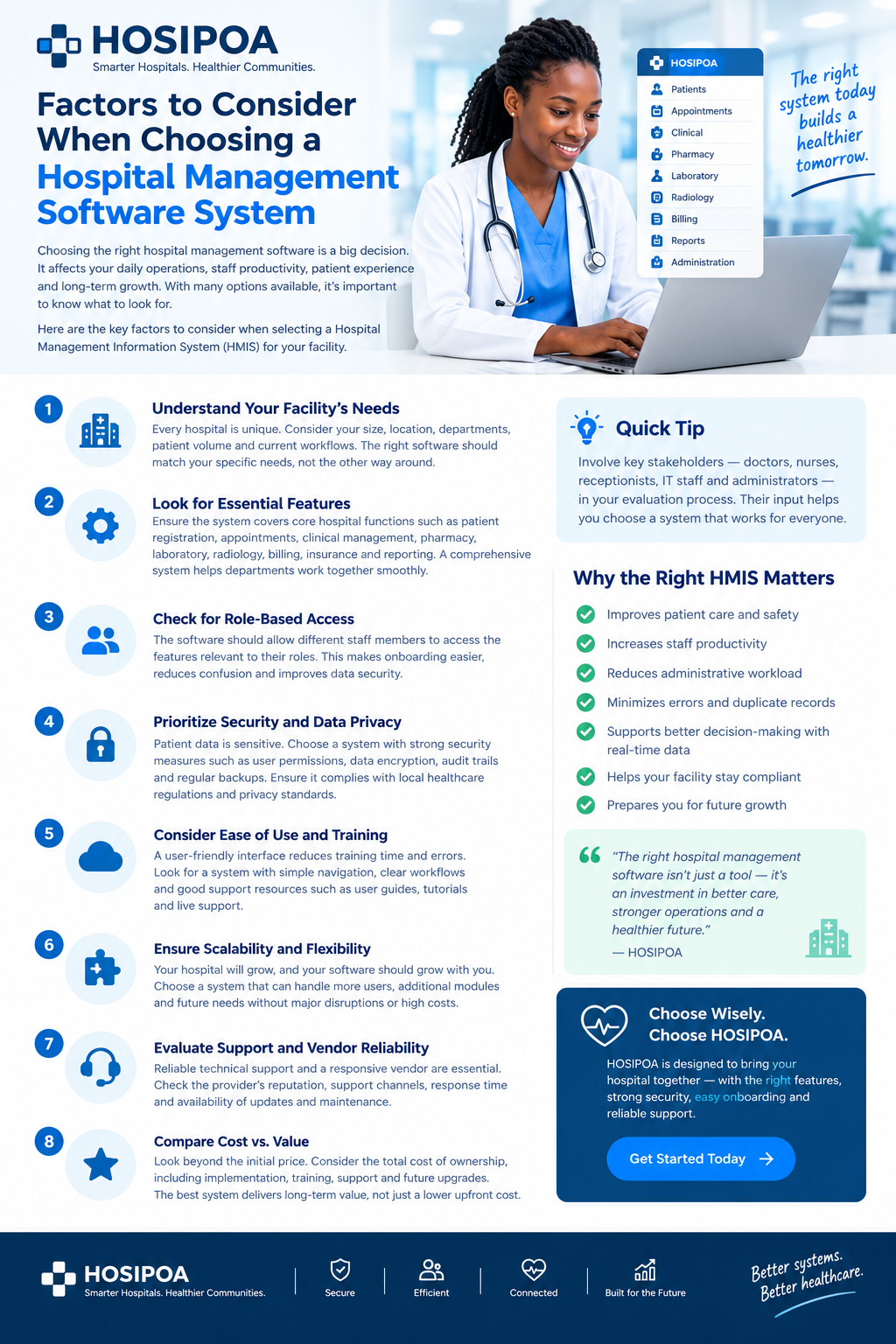
Choosing a hospital management software system is an important decision for any healthcare facility. The system you select can influence how efficiently your teams work, how information moves between departments, how patients experience your services, and how easily your facility can grow.
With many Hospital Management Information Systems (HMIS) available today, it can be difficult to know which features actually matter.
The right approach is not simply to choose the system with the longest feature list. Instead, hospitals should consider how well the software fits their workflows, people, security requirements, operational needs, and future plans.
Here are some of the most important factors to consider.
1. Understand Your Hospital's Specific Needs
Every healthcare facility is different.
A small outpatient facility may have very different requirements from a multi-department hospital with inpatient services, pharmacy, laboratory, radiology, billing, insurance processing, and specialized clinics.
Before evaluating software, start by understanding your current operations.
Consider questions such as:
- How many users will access the system?
- How many departments need to use it?
- Do you provide outpatient and inpatient services?
- Do you operate a pharmacy?
- Do you have laboratory and radiology departments?
- How are patients currently registered and checked in?
- How are bills and payments managed?
- How are insurance claims handled?
- Which processes are still paper-based?
- Which reports does management require?
- What operational problems are you trying to solve?
This gives you a practical checklist against which different HMIS solutions can be evaluated.
The best software fit depends on the hospital's actual needs—not simply the number of features advertised.
2. Look at the Core Hospital Features
A hospital management system should cover the workflows that are important to your facility.
Depending on the type and size of the hospital, useful modules may include:
Patient Registration
The system should make it easy to register patients, maintain demographic information, search existing records, and reduce unnecessary duplicate registrations.
Appointments and Queues
A good system can help facilities organize appointments, patient queues, and service points.
Clinical Management
Clinical teams may require functionality for consultations, diagnoses, clinical notes, orders, treatment information, and patient history.
Pharmacy
If the facility operates a pharmacy, consider whether the system supports prescription processing, dispensing, stock management, and related workflows.
Laboratory
Laboratory functionality may include test requests, sample processing, results entry, and access to results from relevant clinical workflows.
Radiology
Radiology workflows can include requests, scheduling, reporting, and linking results to the patient's record.
Billing and Payments
The system should support the financial workflows relevant to your facility, including billing, payments, invoices, and outstanding balances.
Insurance and Claims
For facilities serving insured patients, insurance functionality can be particularly important. Evaluate whether the system supports the schemes, claim processes, eligibility checks, and reporting requirements relevant to your organization.
3. Consider Role-Based Access
Not every employee needs access to every part of the hospital system.
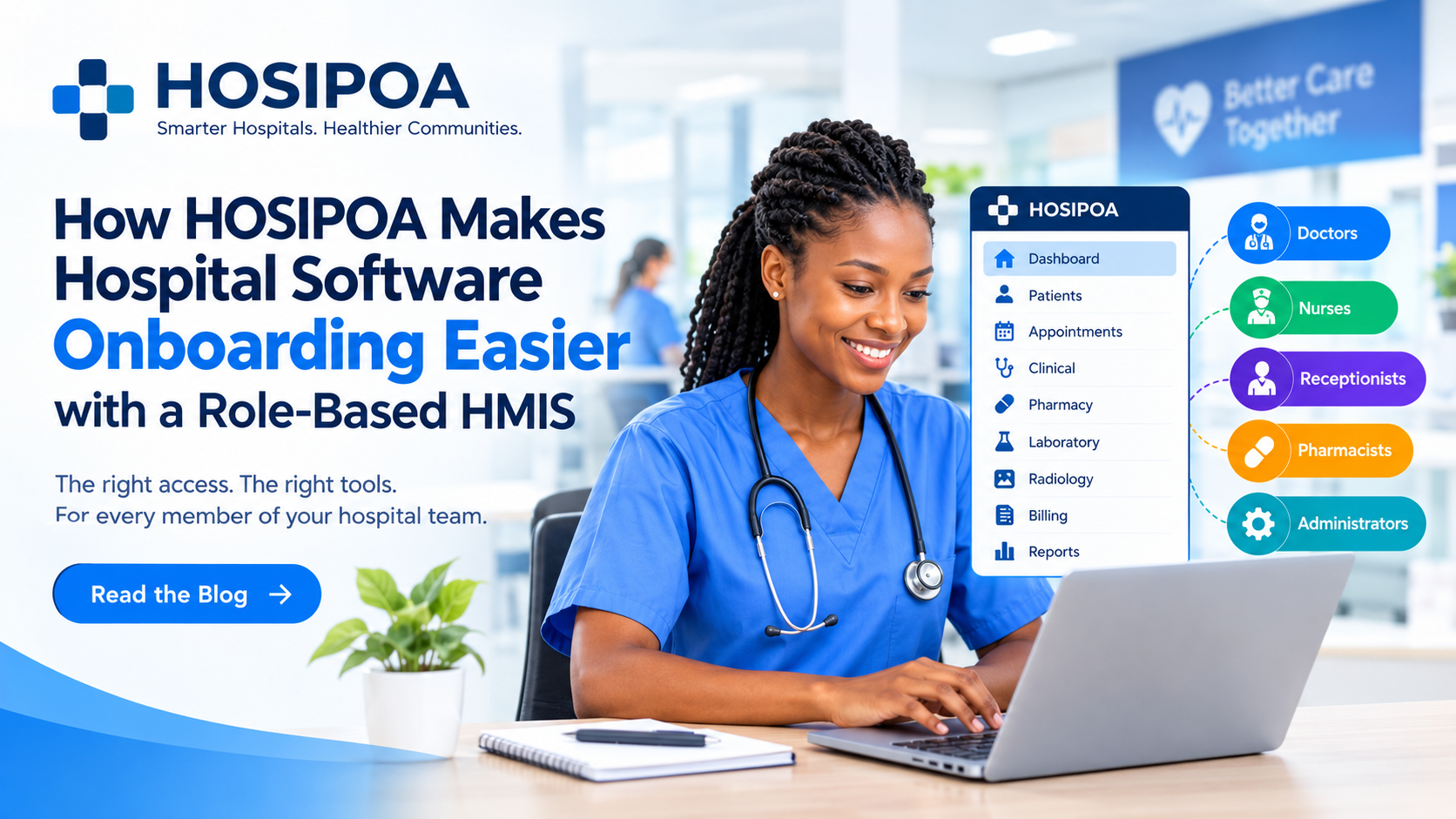
Doctors, nurses, receptionists, pharmacists, laboratory staff, accountants, and administrators have different responsibilities.
A role-based HMIS allows access to be organized according to those responsibilities.
For example:
Doctors may need clinical records, diagnoses, orders, and patient history.
Nurses may need vitals, nursing documentation, medication-related information, and care workflows.
Receptionists may need registration, appointments, check-ins, and queues.
Finance teams may need billing, payments, and financial reports.
Administrators may need user management, configuration, reporting, and broader operational controls.
Role-based access can make the system easier to learn while helping facilities manage access to sensitive information.
This is also particularly important when onboarding new staff because users can initially focus on the workflows relevant to their roles.
4. Prioritize Security and Patient Data Privacy
Healthcare systems handle sensitive information, so security should be a major part of the evaluation process.
When assessing an HMIS, ask how it handles:
- User authentication
- Password management
- User roles and permissions
- Access control
- Audit trails
- Data backups
- Encryption
- Session management
- Data retention
- System monitoring
- Secure integrations
Also consider the regulatory and privacy requirements applicable to your facility and jurisdiction.
For a Kenyan healthcare organization, for example, data protection and healthcare information requirements should be considered when evaluating how patient information is collected, stored, accessed, processed, and shared.
Security should not be treated as an optional feature added after implementation. It should be part of the selection process from the beginning.
5. Evaluate Ease of Use
A system can have hundreds of features and still be difficult to use.
Remember that your HMIS will be used by people with different levels of technical experience.
A good system should make common tasks easy to understand.
Look for:
- Clear navigation
- Simple workflows
- Consistent interfaces
- Fast patient search
- Easy-to-understand forms
- Logical menus
- Useful notifications
- Responsive design
- Minimal unnecessary steps
During a product demonstration, don't only watch the vendor demonstrate the system.
Ask your actual users to try it.
A receptionist may notice usability issues that an administrator doesn't. A nurse may have completely different expectations from a finance officer.
The people who will use the system every day should have a voice in the selection process.
6. Consider Onboarding and Staff Training
Implementation doesn't end when the software is installed.
Your staff need to understand how to use it.
Ask potential vendors:
- Is training included?
- What onboarding resources are available?
- Are user guides provided?
- Is there documentation?
- Is training available for new employees?
- Is remote support available?
- How are system updates communicated?
- Is there assistance during implementation?
A system with intuitive workflows can reduce the learning curve, but appropriate training remains important.
This is one reason role-based HMIS design can be valuable: staff can learn the functions relevant to their responsibilities rather than attempting to understand the entire platform at once.
7. Check Integration Capabilities
Hospitals rarely operate in isolation.
Your HMIS may need to interact with other systems and services.
Depending on your facility, you may need integrations involving:
- Payment services
- Insurance systems
- Laboratory equipment
- Pharmacy systems
- Accounting software
- SMS services
- Email services
- Identity systems
- External healthcare platforms
- Reporting systems
- APIs and third-party applications
Before purchasing a system, ask about its integration capabilities.
A system that works well today but cannot communicate with other important platforms may become difficult to expand later.
8. Evaluate Reporting and Management Information
Hospital management needs reliable information to make operational decisions.
A good HMIS should provide useful reports based on the facility's needs.
Examples may include:
- Patient statistics
- Daily visits
- Department activity
- Revenue
- Outstanding balances
- Pharmacy activity
- Laboratory activity
- Insurance claims
- Staff activity
- Inventory
- Operational performance
Also consider whether users can filter reports by relevant periods, departments, services, or other dimensions.
The goal is not simply to produce large amounts of data.
The goal is to turn operational data into information that hospital teams can actually use.
9. Think About Scalability
Your hospital may not look the same five years from now.
You may add:
- More staff
- More departments
- Additional branches
- New services
- More patients
- Additional modules
- New integrations
The software should be capable of supporting that growth.
Ask vendors how the system handles:
- Increasing numbers of users
- Larger patient databases
- Additional facilities
- New modules
- Additional departments
- Increased transaction volumes
- New integrations
Scalability helps prevent a situation where the hospital has to replace its entire system simply because the organization has grown.
10. Evaluate Vendor Support and Reliability
Choosing software also means choosing a technology partner.
When something goes wrong, you need to know where to get help.
Consider:
- Support availability
- Response times
- Support channels
- Software maintenance
- Updates
- Bug fixes
- Documentation
- Implementation assistance
- Backup and recovery procedures
- Vendor experience
It is useful to ask for clear information about how support works before signing an agreement.
Don't evaluate only the software demonstration. Evaluate the support process as well.
11. Look Beyond the Initial Price
Price is obviously important, but the cheapest software is not necessarily the least expensive solution over its entire lifecycle.
Consider the total cost of ownership.
This may include:
- Initial implementation
- Subscription or licensing
- Hardware
- Internet requirements
- Staff training
- Data migration
- Customization
- Technical support
- Integrations
- Future upgrades
- Additional users
- Additional modules
A system with a lower initial price may have additional costs later.
Likewise, a more comprehensive system may require a larger initial investment but provide functionality that reduces manual work.
The important question is not simply:
"How much does the software cost?"
It is:
"What will the complete solution cost, and what will the hospital receive in return?"
12. Consider Data Migration
If your hospital is moving from another system—or from paper records—data migration deserves careful consideration.
Ask:
- Can existing patient information be imported?
- What data formats are supported?
- How will duplicate records be handled?
- Can historical records be migrated?
- Who is responsible for migration?
- How will migrated data be verified?
- What happens to the original data?
A well-planned migration can make implementation significantly smoother.
13. Consider Cloud, Hosting and Availability
Where and how the system is hosted can affect accessibility, maintenance, security, and operational costs.
Depending on the solution, you may be considering:
- Cloud-hosted software
- On-premise deployment
- Hybrid approaches
Ask about:
- System availability
- Backup arrangements
- Disaster recovery
- Internet dependency
- Server maintenance
- Data location
- Security controls
- Recovery procedures
For cloud systems, also understand what happens when the facility experiences an internet outage and what contingency processes are available.
14. Make Sure the System Can Adapt to Your Workflows
Hospitals have established processes.
A system should support those workflows without requiring the organization to unnecessarily redesign everything simply to accommodate the software.
At the same time, software should not be so heavily customized that every update becomes difficult.
Look for a reasonable balance between:
Configuration — adjusting the system using built-in options.
and
Customization — modifying or extending the system for specialized requirements.
Ask vendors which parts of the system can be configured by administrators and which changes require technical intervention.
15. Involve the People Who Will Actually Use It
One of the most important steps in choosing an HMIS is involving stakeholders early.
Your evaluation team could include representatives from:
- Hospital management
- Doctors
- Nursing
- Reception
- Pharmacy
- Laboratory
- Radiology
- Finance
- Insurance/claims
- IT
- Records and administration
Each department sees the hospital from a different perspective.
A system that looks excellent from an administrative perspective may create challenges for a department that uses it throughout the day.
User involvement helps ensure that the final decision reflects real operational requirements.
A Practical HMIS Evaluation Checklist
Before selecting a hospital management system, consider asking these questions:
| AreaQuestions to Ask | Hospital needs | Does it fit our facility and workflows? | Core modules | Does it cover the departments we operate? | User access | Can permissions be assigned by role? | Security | How is patient information protected? | Ease of use | Can staff learn common tasks quickly? | Training | What onboarding and training are provided? | Integration | Can it connect with other systems? | Reporting | Does it provide useful management reports? | Scalability | Can it grow with the hospital? | Support | What happens when we need assistance? | Reliability | What are the backup and recovery arrangements? | Data migration | Can existing records be migrated safely? | Cost | What is the total cost of ownership? | Flexibility | Can the system adapt to our workflows? | Future development | How frequently is the system improved? |
Why the Right HMIS Matters
The software a hospital chooses can become part of almost every major workflow within the facility.
It can influence how patients are registered, how clinicians access information, how departments communicate, how payments are processed, how claims are managed, and how management understands hospital operations.
That is why choosing an HMIS should be approached as an operational decision, not simply an IT purchase.
The right system should fit your people, your workflows, your security requirements, and your plans for the future.
How HOSIPOA Fits These Considerations
HOSIPOA is designed as a hospital management platform with a focus on connected healthcare workflows, role-based access, usability, and operational efficiency.
Its approach is centered around giving different hospital teams the tools relevant to their responsibilities while allowing departments to work within a connected system.
For a facility evaluating HOSIPOA, a practical next step is to map your current workflows against the platform's available modules and determine which functions, integrations, permissions, reports, and support arrangements match your requirements.
Ultimately, the best way to evaluate any HMIS is to look beyond the feature list.
Understand your hospital. Involve your users. Test the workflows. Evaluate security and support. Consider the long-term cost. Then choose a system that aligns with the way your facility actually operates.